iTok Learn
Know what reaches
your stream.
Practical guides for your first setup and your next show. Understand the settings, check the output and know what to do when something does not look or sound right.
Set up your first streamFull Studio access requires an active beta invitation. The public sample is read-only.
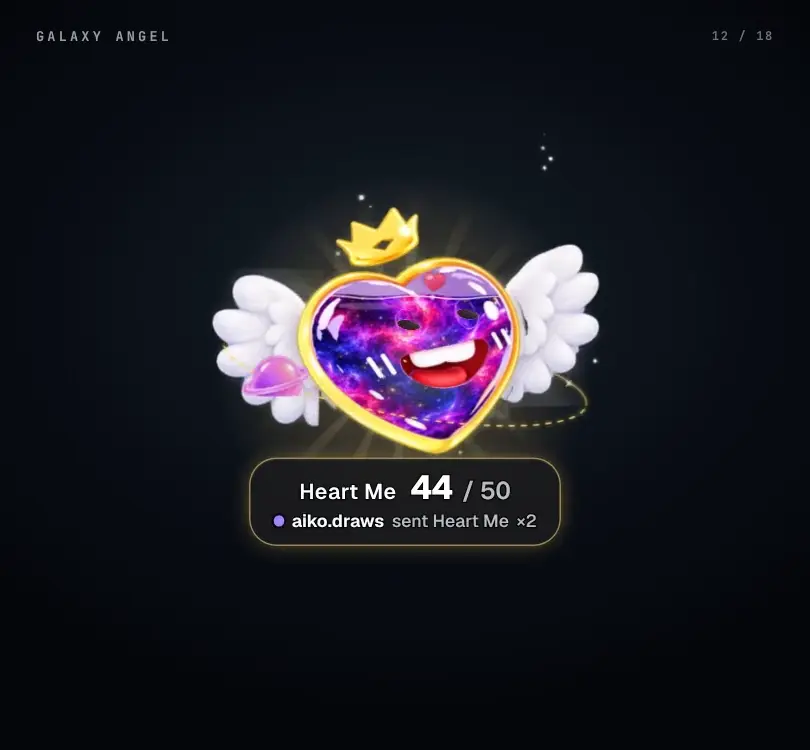
The editor, the saved output and the broadcast each have a different job.
Run & troubleshoot
3 guidesRun & troubleshootFix a missing event, picture or soundFollow separate checks instead of repeatedly reconnecting everything.Run & troubleshootConnect external actions and OBSUnderstand the paired local companion, configured targets and current integration limits.Run & troubleshootKeep your setup private and responsiveProtect source links, separate accounts and troubleshoot load without risking the show.
A few useful distinctions
The words behind the controls.
- Scene
- A saved composition of visible widgets, positions and appearance.
- Source
- The link or capture that puts an iTok picture into OBS or LIVE Studio.
- Event
- Something received from the live feed, such as a gift, comment or follow.
- Action
- The configured response to a matching event, such as sound or animation.
- Preview
- A place to prepare a change before the saved output is applied.
- Fitted link
- A widget source that stays centered in its own frame rather than following the editor’s position.